Dynamic arrays
XLOOKUP returning multiple values
Learn how XLOOKUP can return multiple columns, when FILTER is a better fit, and how to avoid spill errors.
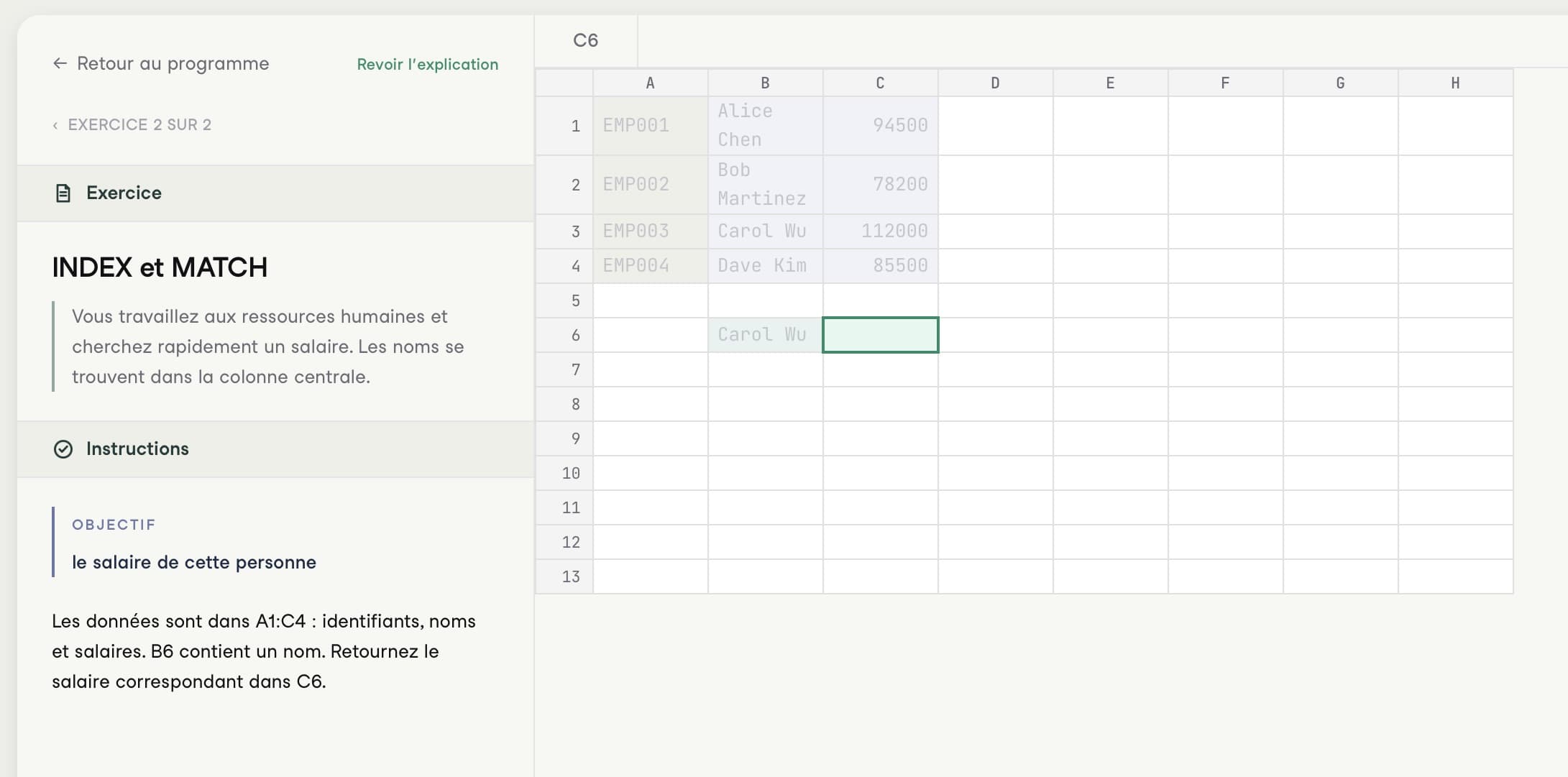
The specific problem
`XLOOKUP` can return more than one value when the return array contains multiple columns. This is useful when one lookup should return a name, department, and status together.
=XLOOKUP(A2, employee_ids, employee_table[[Name]:[Status]])In modern Excel, the result spills across adjacent cells.
When XLOOKUP is the right tool
Use `XLOOKUP` when one lookup value identifies one record and you want several fields from that record. It keeps the formula compact and avoids repeating separate lookups for every returned column.
When FILTER is better
Use `FILTER` when you expect multiple rows:
=FILTER(employee_table, employee_table[Department]=E2)`XLOOKUP` returns the first match. `FILTER` returns every matching row.
Common mistakes
- Blocking the spill range with existing values.
- Expecting `XLOOKUP` to return multiple matching rows.
- Selecting return columns that are not aligned with the lookup range.
- Referencing a full table when only a few columns should spill.
Performance notes
Returning several adjacent columns with one `XLOOKUP` is usually cleaner than repeating the same lookup three or four times. For very wide tables, use `CHOOSECOLS` to return only what you need.
Practice this skill in Calcu
Calcu lookup exercises emphasize the question behind every lookup: are you returning one field, several fields, or every matching row? That distinction determines whether `XLOOKUP`, `INDEX MATCH`, or `FILTER` is the better choice.
Related formulas: `INDEX`, `MATCH`, `FILTER`, `CHOOSECOLS`.